Getting started
Activate your account, log in and discover your merchant area.
1. Activate your account
When your shop is created, you receive a welcome email from no-reply@megh-connect.com, titled “Bienvenue sur Star by MEGH” (the welcome email is currently sent in French). It contains a button to choose your password, “Choisir mon mot de passe”.
Open the welcome email
Not received? Check your spam or junk folder, then ask us to send it again.
Click the button to choose your password
The link is valid for 7 days and works only once.
Choose your password
At least 8 characters, typed twice. A short phrase that is easy to remember works very well.
Log in
With your email and this password, at star.megh-connect.com/admin/login.
Tip
Bookmark the login page, or add it to your phone's home screen: you'll come back to it every time you validate a gift.
2. Log in
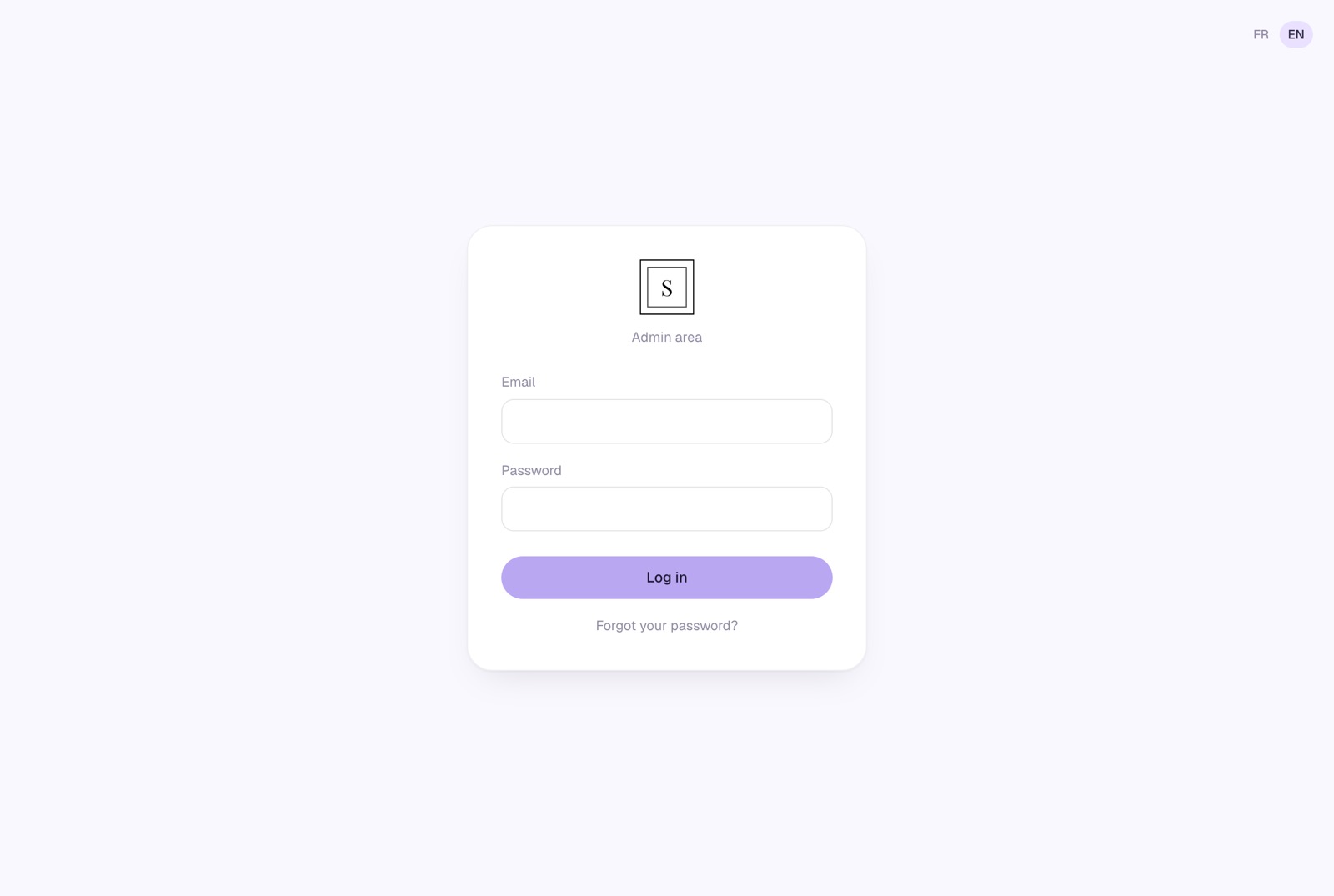
FR / EN at the top right switches the interface language. To log out, click Log out at the top right of your area. If you don't log out, your session stays open for 30 days on that device.
3. Forgot your password
On the login page, click “Forgot your password?”
Enter your account email, then “Send me the link”
For security reasons, the message shown is the same whether the address exists or not.
Open the email and choose a new password
This link is valid for 1 hour and works only once. You can request up to 3 per hour.
4. Account security
- After 5 wrong passwords within 15 minutes, login is blocked for 15 minutes, even with the right password. Wait, or reset your password: this lifts the block.
- Don't share your password with your team unless needed: codes are validated from your area.
- If you think someone knows your password, change it with “Forgot your password?”.
Good to know
Changing email address or contact person? Write to us at meghconnectapp@gmail.com.
5. Discover your area
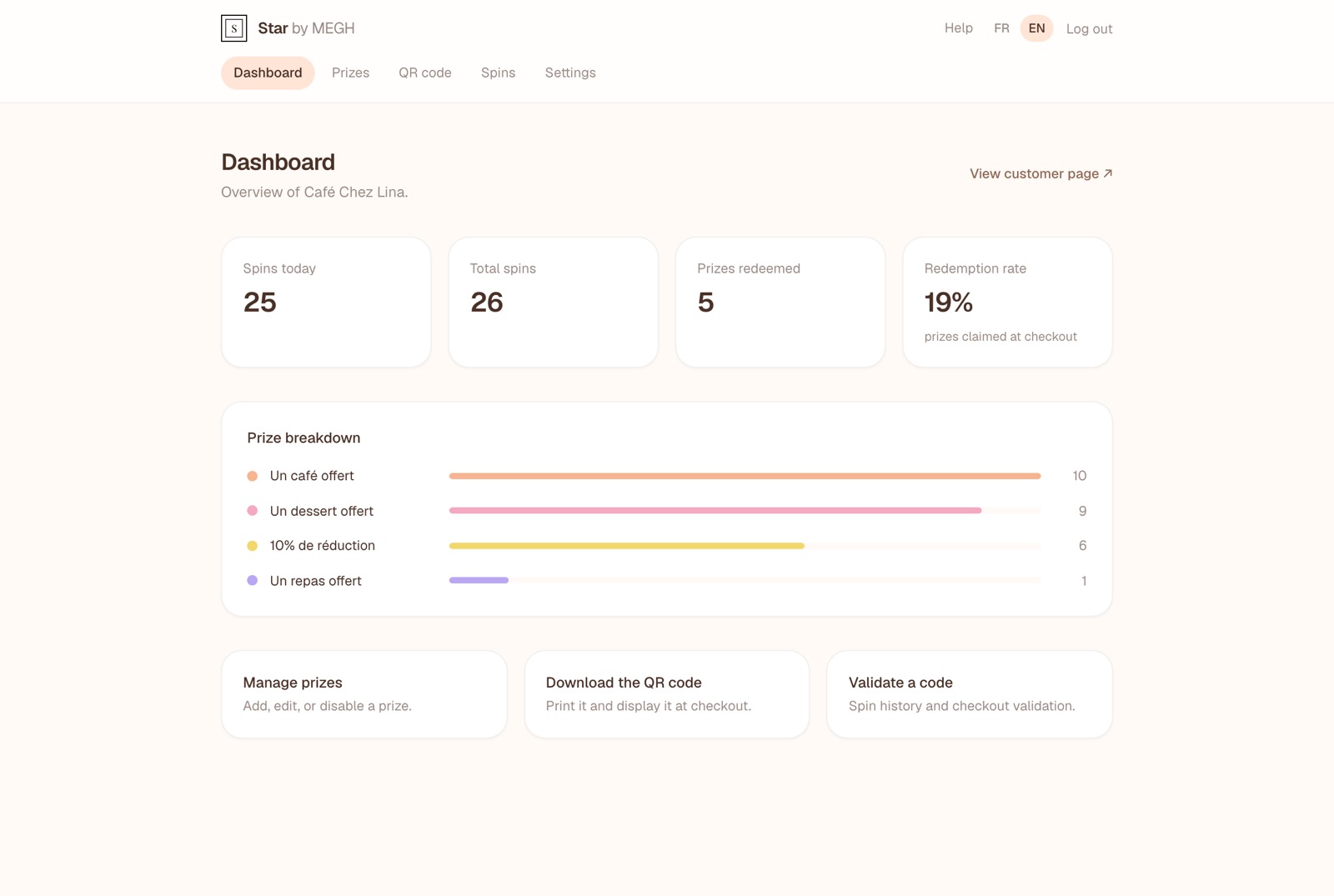
The menu at the top gives access to the five tabs. Your area automatically uses the colors you chose for your customer page.